




 Communication for Everyone
Every voice deserves to be heard
LUCAS Education empowers non-verbal and minimally verbal individuals to communicate, connect, and thrive — one word at a time.
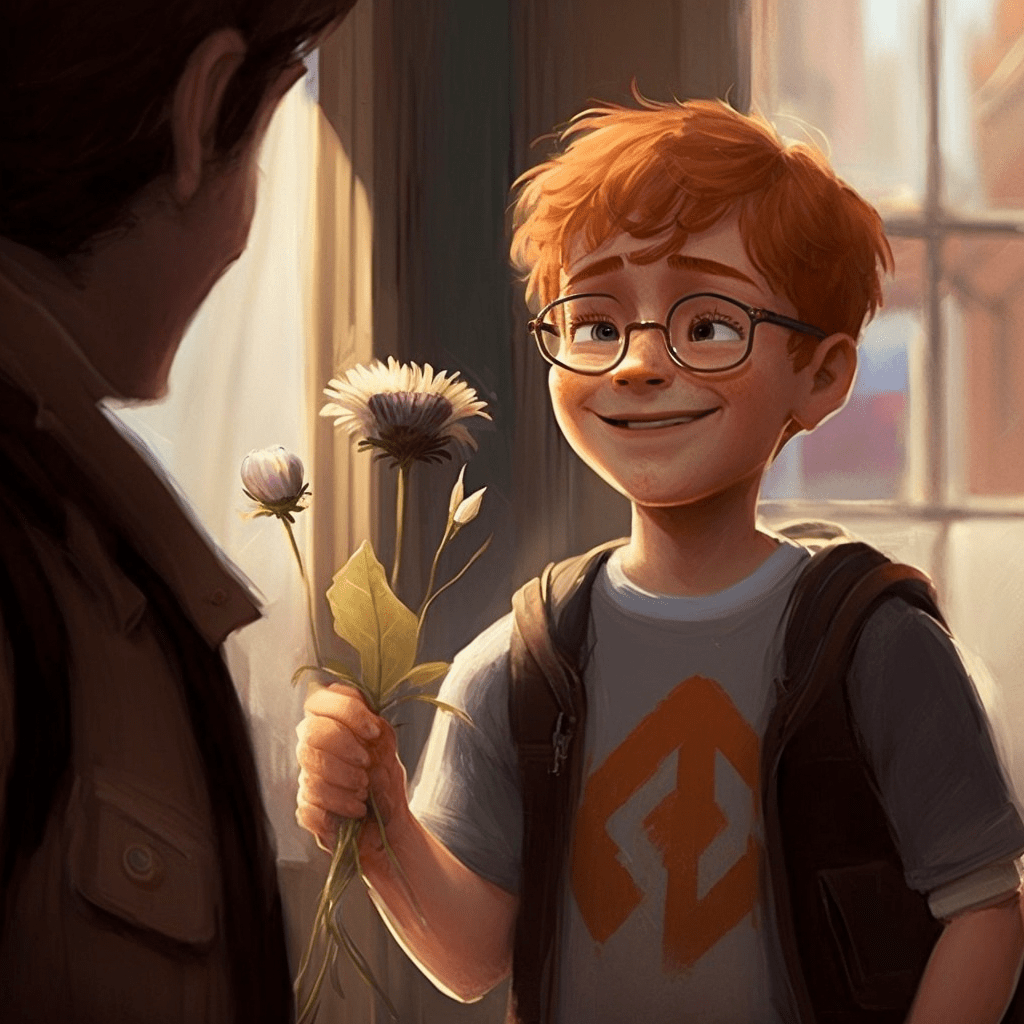 I want
 cheese please
Discover
Communication for EveryoneLUCAS Education empowers non-verbal and minimally verbal individuals to communicate, connect, and thrive — one word at a time.
I want cheese pleasebiscuitkittendriver grandparents
 friend
LUCAS Education is a communication app designed for children and adults with autism, learning disabilities, and other communication challenges. Built on the proven principles of PECS (Picture Exchange Communication System), it guides users through a carefully structured learning journey — from a first motivated screen tap to building full sentences.
The app isn't just a tool — it's a companion for families and educators who know that communication is a fundamental right, not a privilege.
With 1,000+ images, 10 languages, and 10 progressive levels, LUCAS grows with every user's unique journey.
Each level builds on the last, guiding users from their very first interaction to confident, independent communication.
FoundationA single image fills the screen — something the user loves. Touch it, hear it spoken, receive the reward. This one moment ignites everything that follows.

A second reinforcer appears. The user learns that different images bring different rewards — the concept of making choices takes root.

A non-preferred item enters the mix. The user learns picture discrimination — that what they touch is what they get. Communication begins to have real meaning.
Building
A voice box appears at the top of the screen. The user must select an image and then press the voice box to be heard — the first step toward sentence building.

The teaching phase begins. Six or more words in a single category — using matching games, picture-to-object pairing, and consistent practice to anchor understanding.
Language expands into folders: food, transport, clothes, animals. The user begins navigating between topics, organising their growing vocabulary into a meaningful system.
 Sentences
Sentence starters arrive. "I want," "I see," "I hear." Users move from single words to two-word combinations — the leap from labelling to true communication.
Sentence closers complete the picture. "Please," "thank you," "all done!" The user now speaks in full, polite, structured sentences.
Mastery
Conjunctions, pronouns, adverbs, and punctuation. Language gains nuance and complexity — a stepping stone toward reading and writing.

Images gradually shrink as words grow larger. The user begins recognising written words — one of the earliest steps toward independent reading.
Three core mechanics work together to create a seamless communication experience.
The user selects from a grid of images — each representing a word, action, or concept. Over 1,000 built-in images across organised folders, or add your own photos.
Selected images appear in the voice box strip at the top. Combine a sentence starter, an image, and a closer — building real sentences visually before speaking them.
Touch the voice box and the app speaks the complete sentence aloud. Instant gratification meets structured communication. The user's voice rings clear.
We know the weight of wanting to hear your child's voice. LUCAS Education was built with families like yours in mind — with patience, warmth, and structure woven into every interaction.
Designed with the PECS methodology at its core, LUCAS Education gives professionals a structured, proven framework that adapts to each learner's pace.
"You are not alone in this. Every small step is a giant leap.
Have patience. Stay motivated. You've got this."
— The LUCAS Education Team
Organised into intuitive folders — snacks, animals, transport, clothes, emotions, body parts, actions, and many more.
LUCAS Education supports 10 languages, covering over 5 billion native speakers worldwide.
Multiple voice options with adjustable speed. Hear every word, sentence, and phrase spoken aloud in the user's chosen language.

Add personal photos from your camera or library. Make communication deeply personal with images of real objects, people, and places.

Help users understand their day with a visual schedule. Add activities by time of day to reduce anxiety and build comforting routine.

Create visual stories by combining images, sounds, and videos. Explain a zoo visit, a doctor's appointment, or a new daily routine.

Express feelings beyond basic needs. Users learn to communicate happiness, sadness, frustration, and love — the language of the heart.

From colours and sizes to actions and pronouns — pre-built folders cover every category, ready to be unlocked as the user grows.
Download LUCAS Education today and watch the transformation unfold. Available on iOS and Android